Calendar
Every chair, room and class on one calendar.
See your whole team side by side, book rooms and courts as Spaces, and switch between eight calendar views.


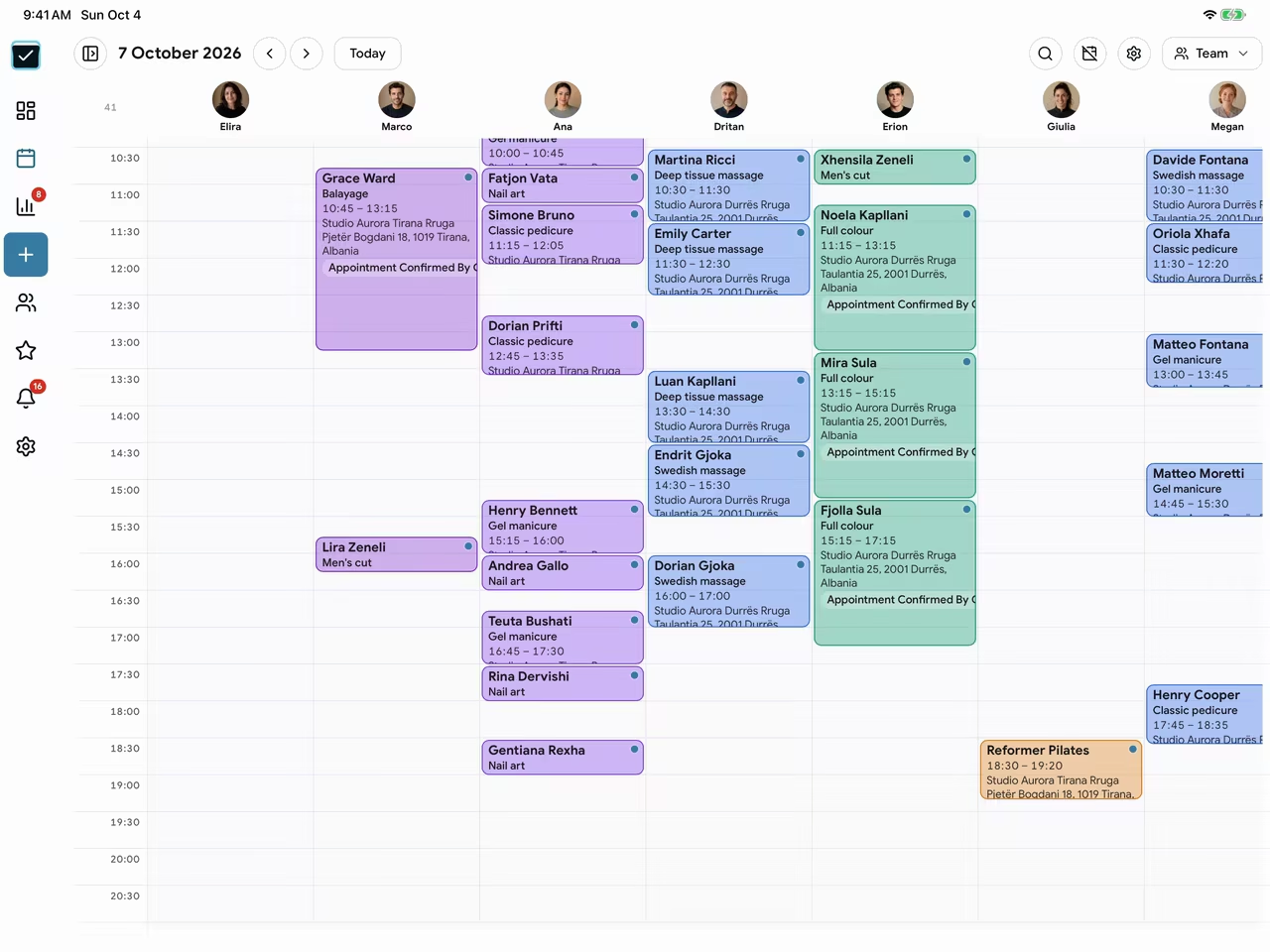
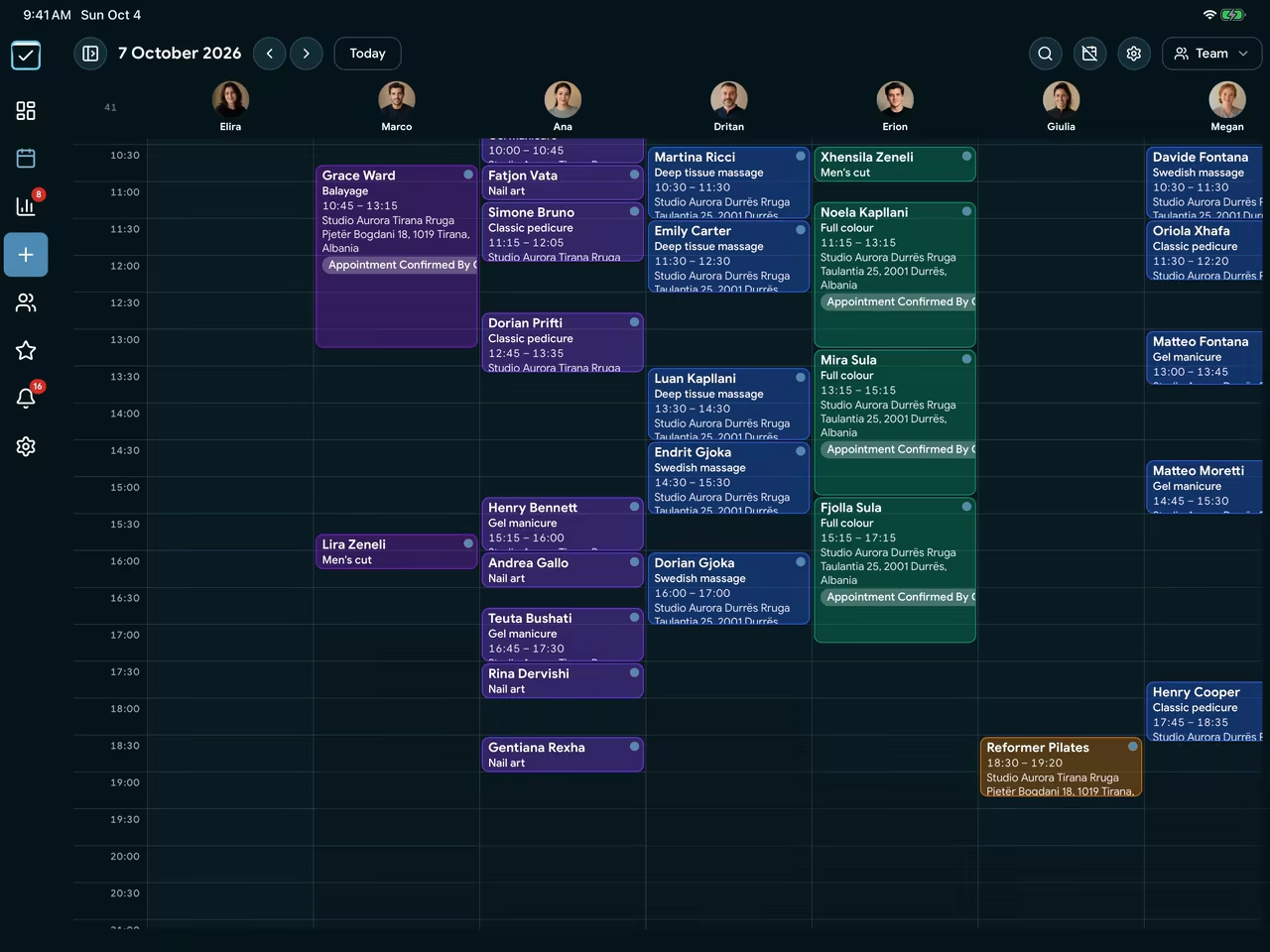
Team view
Move a booking with a drag.
The team view gives every professional a column of their own. Drag a booking to another professional or another time, and EasyBook reassigns it.
- A column for bookings no one has taken yet
- Only team members allowed to edit bookings can move them
- Time blocks for breaks, focus time and out of office
Calendar views
Eight views, from a single day to the whole year.
Day, Work Week, 4 Day, Week, Month, Agenda, Year and Team. Filter by venue to see one location or all of them.
- Agenda lists every booking in order
- Working hours for each professional
- Hide non-working hours to keep the day compact


Spaces
Rooms and courts that can't be double-booked.
Add treatment rooms, studios and courts as Spaces. A service that needs a room takes one, and EasyBook refuses a booking when no room of that kind is free.
- Kinds of space, each with a capacity
- Services that need no professional, like a padel court
- Close or archive a Space you no longer use


Repeat and sync
Repeat bookings, and your Google Calendar in step.
Book a regular client once with a repeat pattern. Connect Google Calendar so your EasyBook bookings appear there, and the personal calendars you choose block your time.
- Repeat by day, week, month or year, until a date or for a number of visits
- Choose which calendars in Google Calendar block time and which are shown
- A private calendar feed for Apple Calendar or Outlook


Pricing
From ALL 600 per professional a month.
Every package includes profile setup and training for your team.