Switch to EasyBook
Switch in an afternoon.
Bring your client list as a spreadsheet or an export from your current booking tool. You check every row before anything is saved, and we set you up and train your team.


How switching works
Four steps, one afternoon.
1. Bring your client list
Upload an Excel or CSV file exported from your current tool, or pick clients from Google Contacts or your phone.
2. Check every row
Match your columns, then Check rows shows what the import will do before anything is saved. Rows that can't be imported come back in a download.
3. We set you up
We set up your profile and train your team.
4. Start taking bookings
Publish your venue, share your booking link and QR poster, and clients book you in EasyBook Discovery.
What you get on day one
Everything the desk needs, ready when you are.
Every package includes unlimited appointments, your own booking page and a listing in EasyBook Discovery, with profile setup and training from our team.
- A booking link, QR code and poster for each venue
- Reminders by email and push
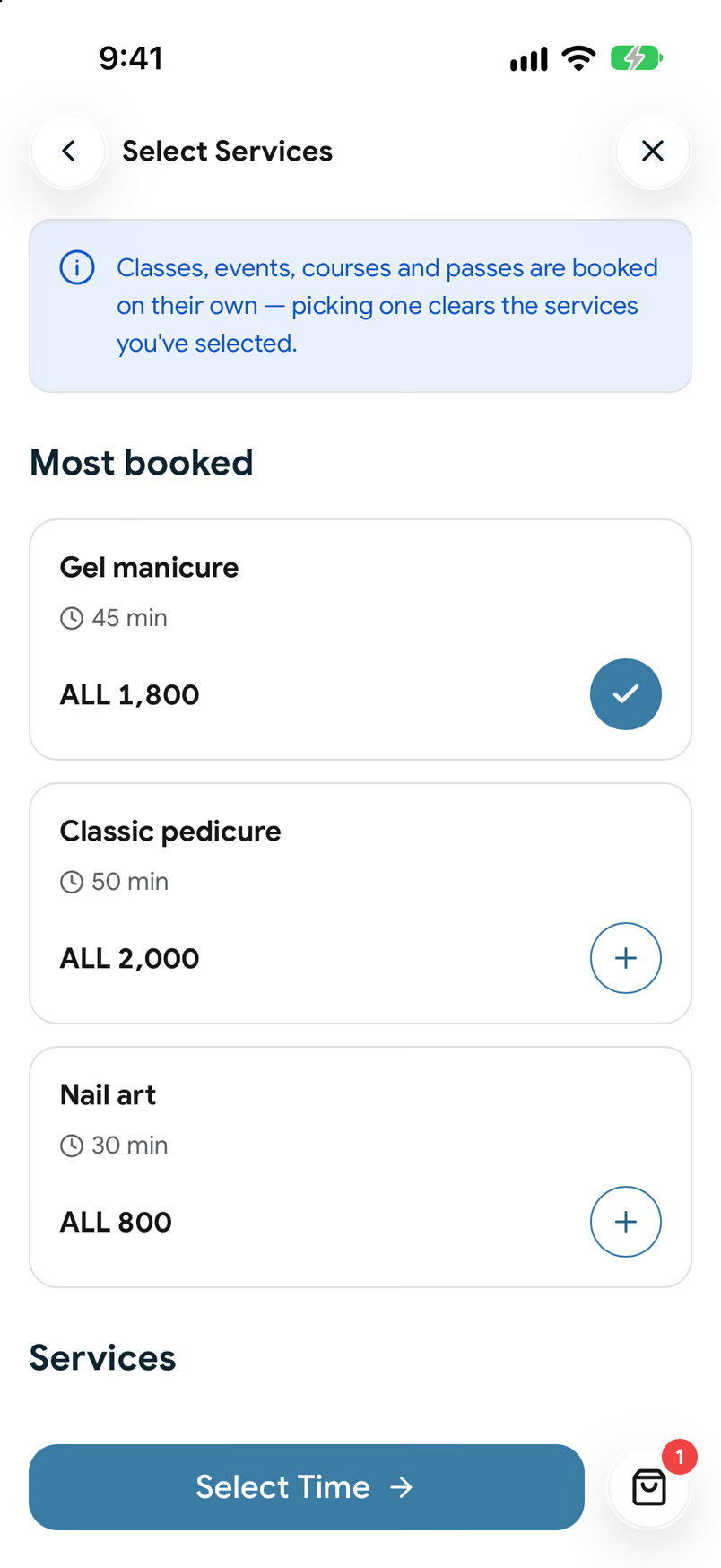
- The EasyBook Partner app for iPhone and Android

Switch
Ready when you are.
Start your 14-day free trial now, or book a demo and we walk you through the move.